Available on Android
Good finds
are worth keeping.
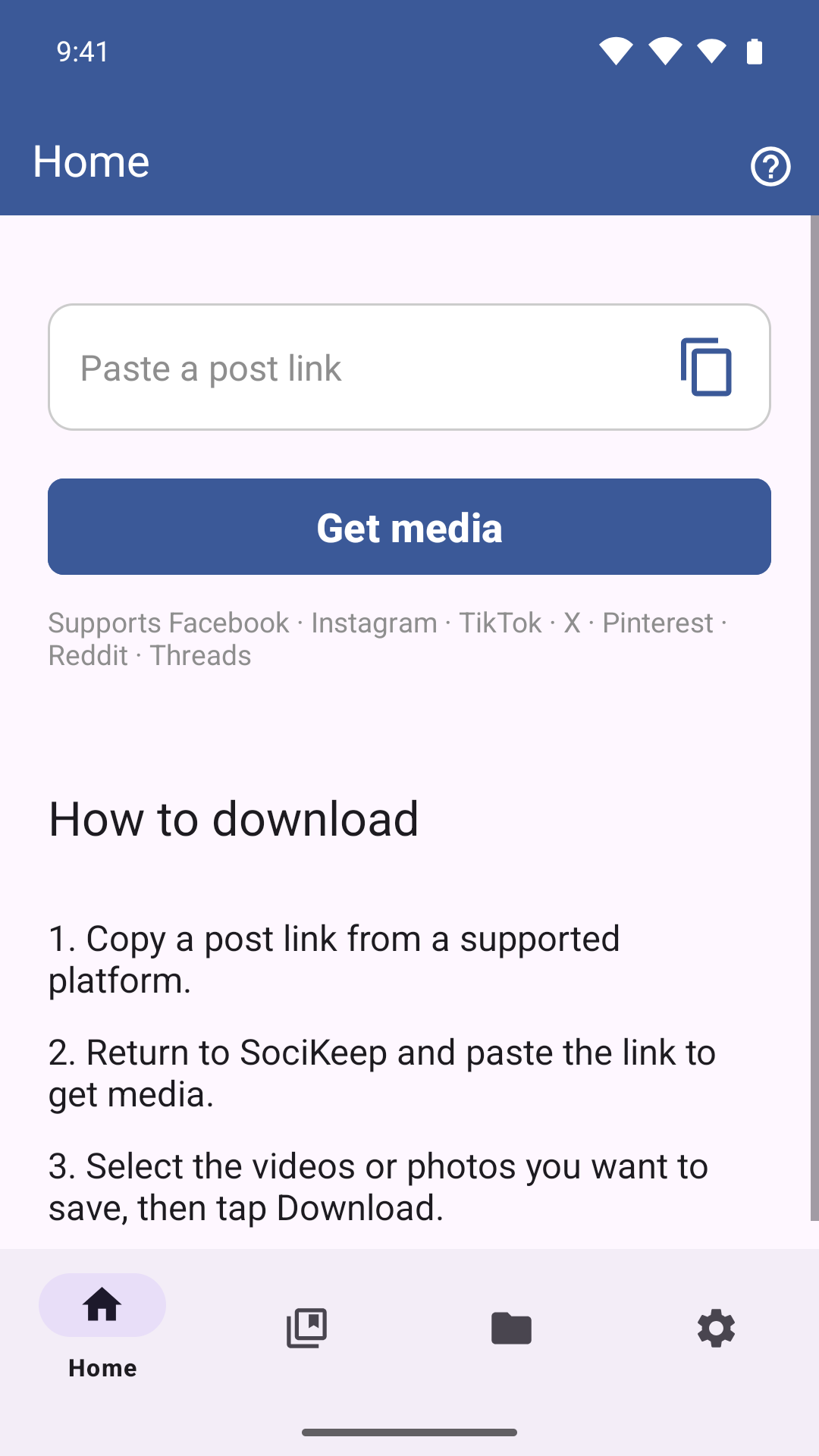
Save videos, photos, Stories, and bookmarks from supported social platforms. Share directly to SociKeep or paste a link, choose what you want, and revisit it offline.
Get it on Google PlayNo Google Play? Download APK (Android 9+)
Supported post links
- TikTok
- X
- Threads
How it works
Share. Paste. Keep.
-
Share or paste a link
Share a post directly to SociKeep from another app, or paste a supported link and tap Get media.
-
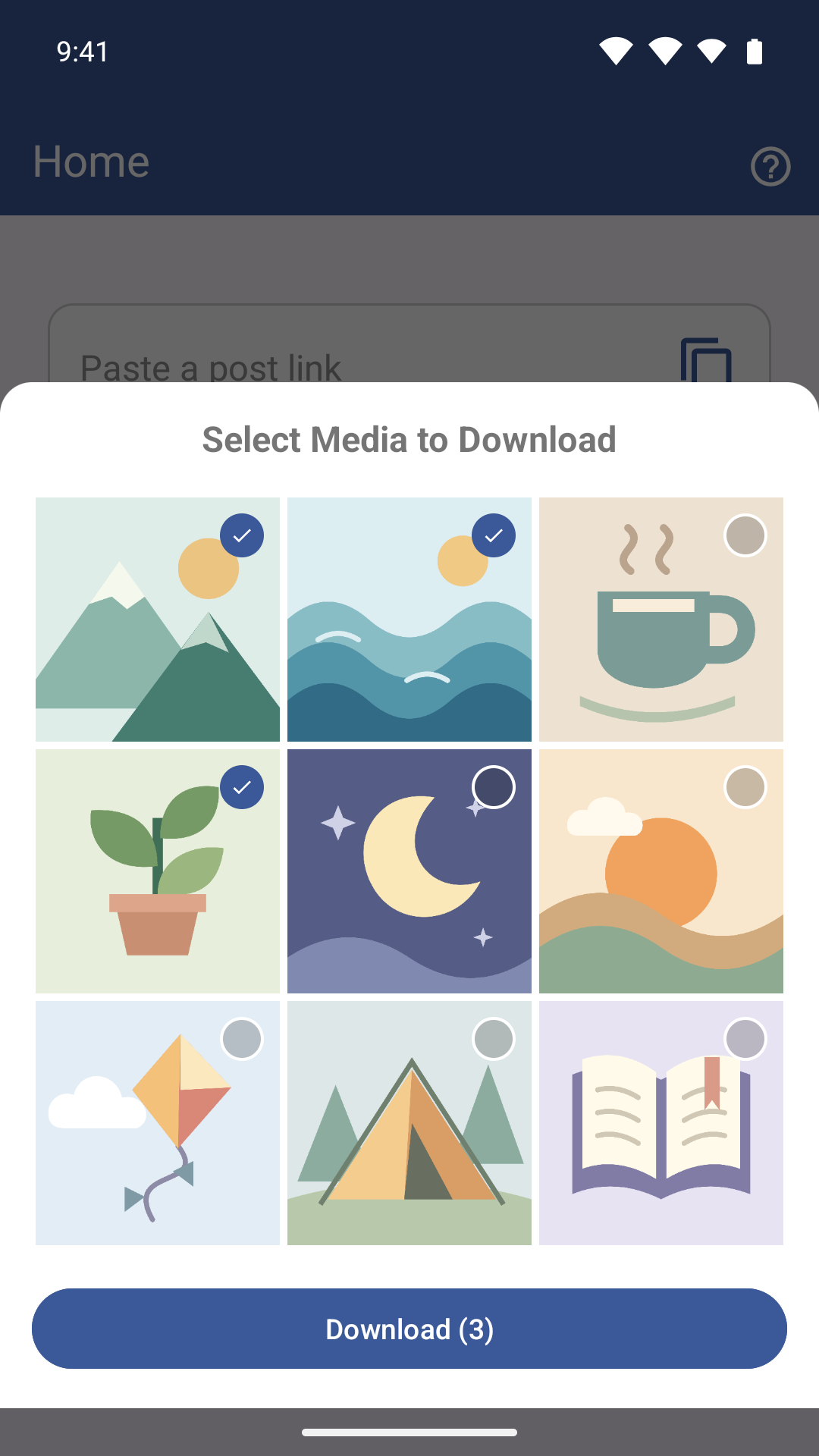
Pick what to save
Preview what’s available, select the videos or photos you want, and tap Download.
-
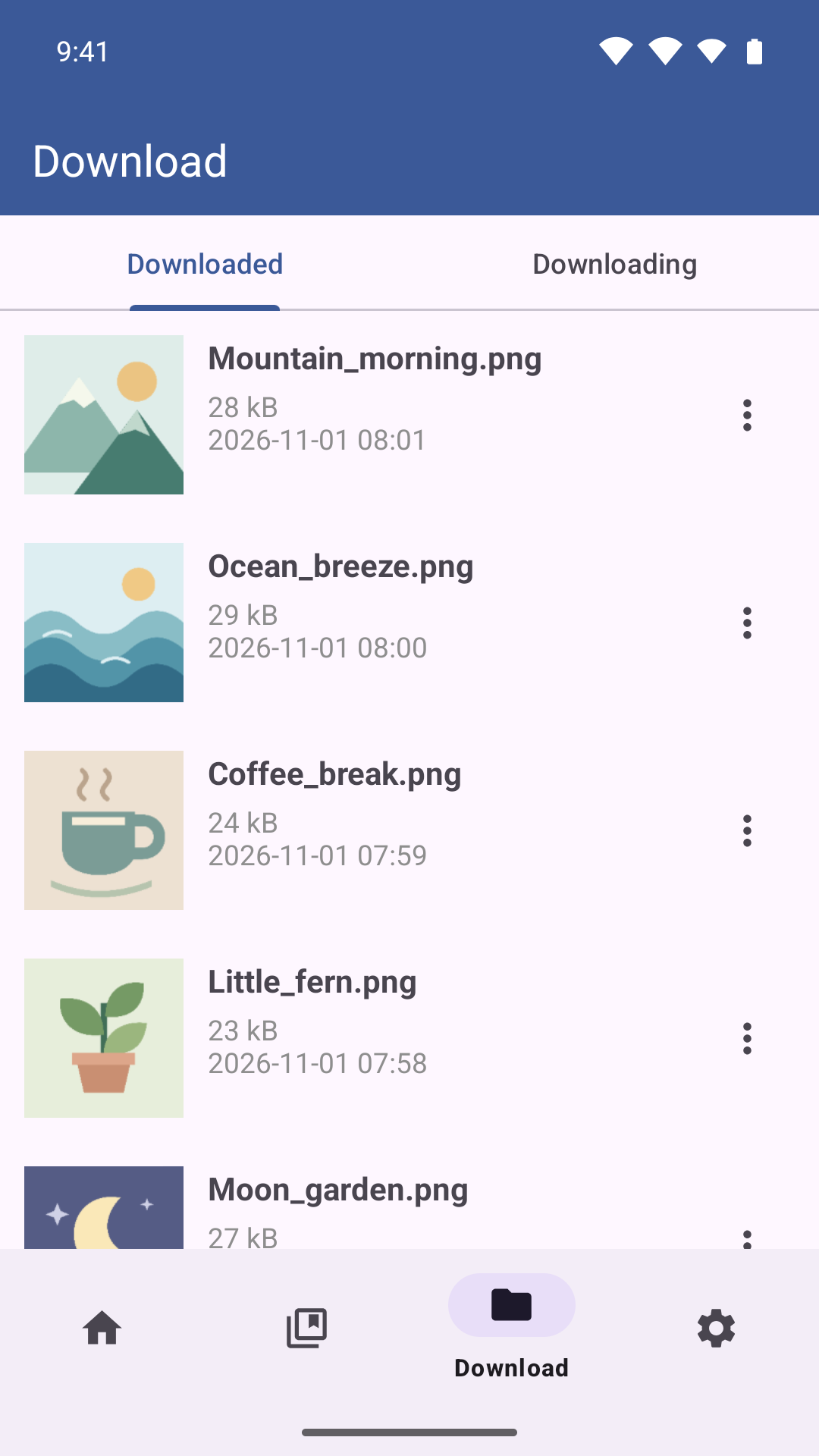
Revisit it offline
Open Downloaded to play videos, view photos, and share or delete saved files.
Why can’t I download a particular post?
Availability depends on the platform, post type, your access, and whether the media is still online. Some posts require you to sign in to the relevant platform.
Where do I find my saved files?
Open Download in the app and choose Downloaded. You can check pending items and progress under Downloading.
What am I allowed to download?
Download or share content you own or have permission to use. Respect creators’ rights and the terms of the platform where you found it.
Can I install SociKeep without Google Play?
Google Play is recommended for automatic updates. If your Android 9+ device doesn’t have Google Play, you can download the official signed APK directly from dl.socikeep.com.